CODVPN guide
Validate that your config works
philip
You can easily check if your config setup works by following the steps below.
- Generate your config and connect to the servers with OpenVPN. If you have not done this yet, you can read the guide.
- Launch Call of Duty and wait until the game has loaded and you are in the main menu.
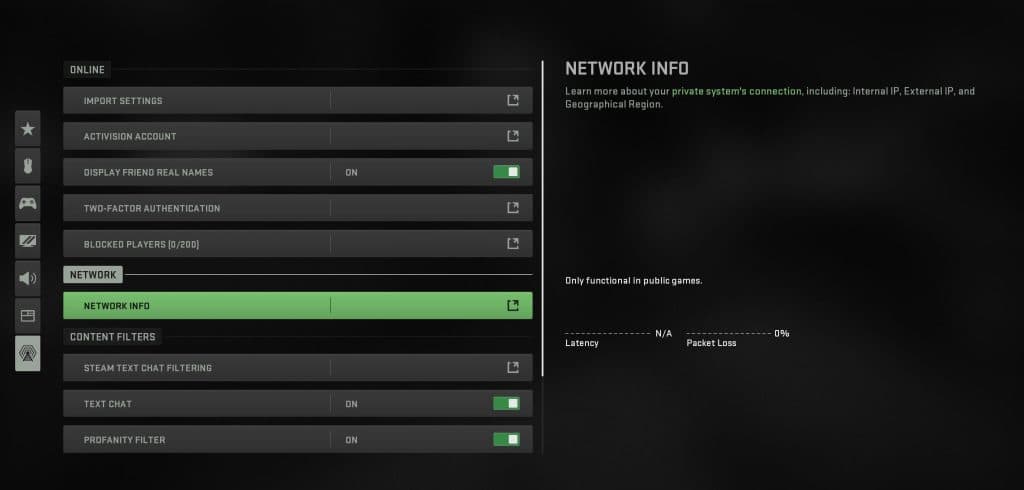
- Click Settings and go to the Account & Network tab. Click Network Info; here you will see the geographical location that the game thinks you are in. The location should be the same as the VPN server you chose.
- Check that your IP has not changed to the VPN server IP when browsing normally. You can check this by searching for “what’s my IP” and comparing before and after you connect through OpenVPN. The VPN configs generated here are only supposed to route Call of Duty’s matchmaking traffic through the VPN.